
How to autofill fields in iOS 18
If you’re using an iPhone operating on iOS 18, you can autofill a field by pressing and holding it. This makes it easy to autofill a Proton Pass item (like a password, credit card details, name, or address) without leaving the app or website you’re currently using.
This feature is particularly useful for forms where you need to enter multiple details. If you’re paying for something online, you can enter your card details, address, ZIP code and any other fields attached to logins in your vaults — without opening Proton Pass each time.
To autofill a field:
- Press and hold the field you’d like to fill for a few seconds
- When you let go, you’ll see a popup. Tap AutoFill, then tap → Passwords
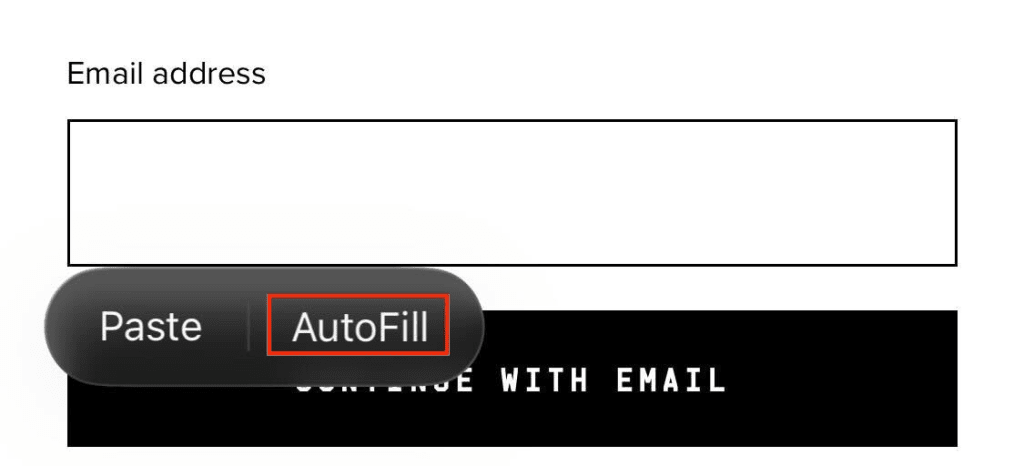
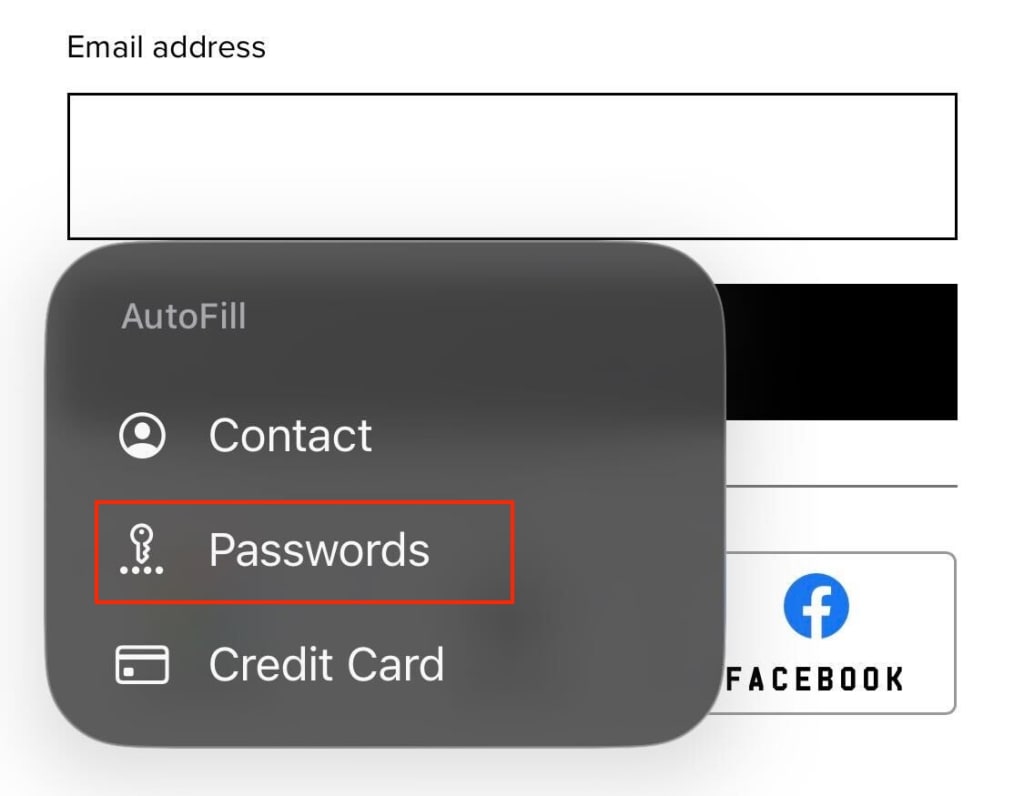
3. Proton Pass will then suggest suitable information to fill the field with.